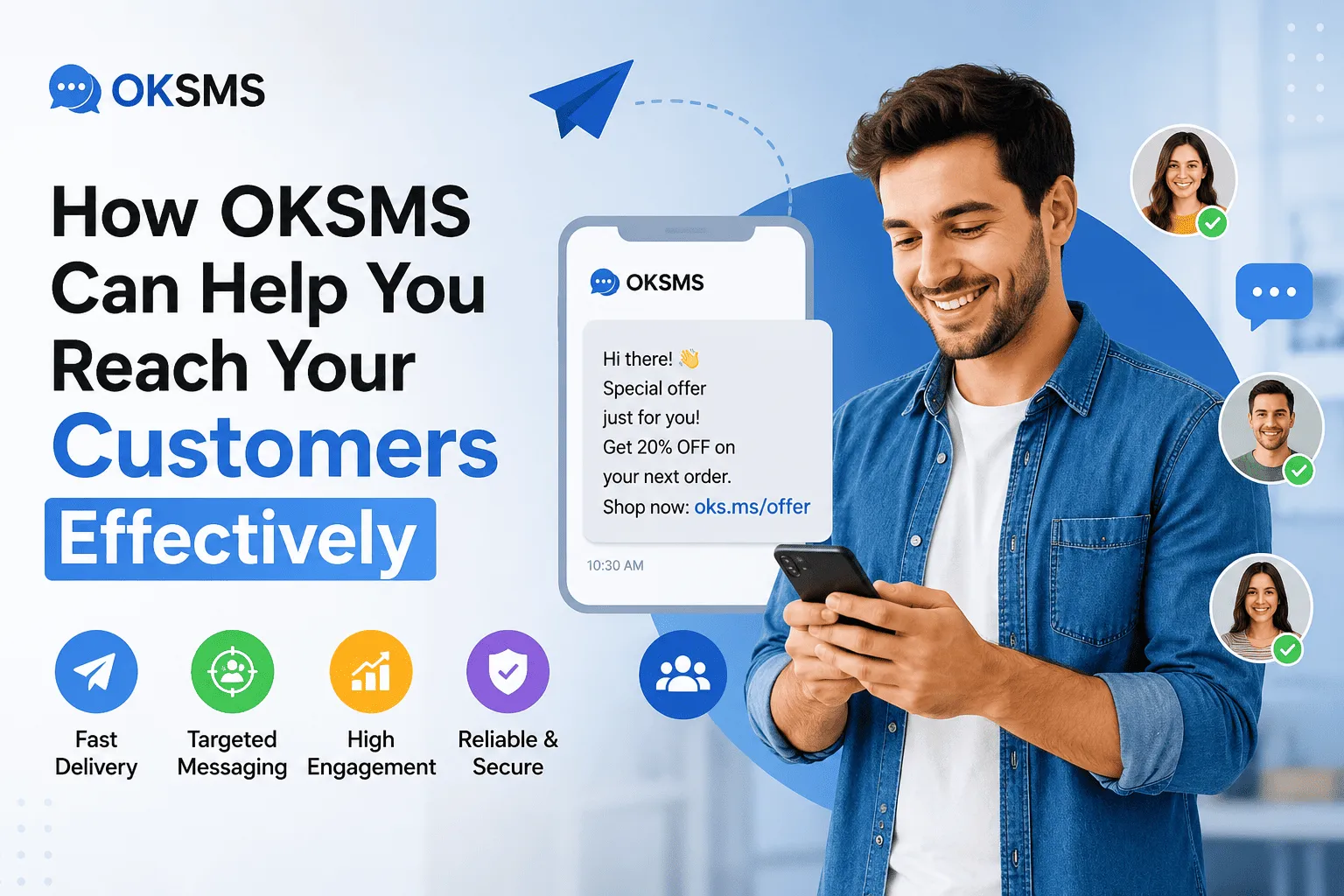
How OKSMS Can Help You Reach Your Customers Effectively
Picture this: you launch a promotion and send an email. Then you wait. Hours later, half your list still hasn’t opened it. Today, attention spans are short. Inboxes are full. Businesses need a way to reach people that actually gets seen.
That’s why instant communication matters so much now. Customers want order confirmations right away. They want appointment reminders before they forget. They want deals while they’re still in the mood to buy — not two days later. Waiting doesn’t just feel slow. It costs sales, trust, and repeat business.
This is where SMS marketing comes in. Text messages don’t get buried in spam folders. They don’t hide in a “promotions” tab. They land on a lock screen in seconds — and people read them.
OKSMS is a business messaging platform built for exactly this. It helps companies send bulk SMS campaigns, automate order updates, and manage customer conversations at scale. And you don’t need an in-house tech team to make it work.
In this guide, you’ll learn:
- What OKSMS is and how it works
- Which businesses benefit most from it
- The platform’s key features
- How SMS marketing helps you reach customers
- Best practices for running SMS campaigns
- Answers to common questions about OKSMS
What Is OKSMS?
A Quick Overview
OKSMS is a business SMS platform. It helps companies send messages to large groups of customers, fast.
Instead of texting people one by one from a personal phone, you use one system to send thousands of messages at once. Here’s what that system usually includes:
- Bulk messaging – Send one message to your entire contact list at the same time.
- API integration – Connect the platform to your website, app, or CRM. Messages can then trigger automatically.
- An easy dashboard – Create campaigns and check results without writing any code.
Together, these tools turn SMS into a real marketing channel — not just a way to send one-off texts.
Who Can Use OKSMS?
SMS works well for almost any business that needs to reach customers quickly. Here’s a quick look:
| Business Type | How They Use SMS |
|---|---|
| Retail stores | Flash sale alerts, in-store promos |
| E-commerce | Order confirmations, shipping updates |
| Schools & universities | Schedule changes, deadline reminders |
| Healthcare providers | Appointment reminders |
| Banks & financial services | OTPs, fraud alerts, payment confirmations |
| Real estate agencies | New listing alerts, open house invites |
| Restaurants & hotels | Reservation confirmations, loyalty offers |
If your business needs fast, reliable communication, SMS likely fits somewhere in your plan.
Why SMS Marketing Still Works
1. High Open Rates
People read their texts. Almost all of them, usually within minutes.
Compare that to email, where open rates often sit between 15% and 25%. There’s no spam folder for SMS. There’s no “promotions” tab hiding your message.
This gap matters most when timing counts. A discount code loses value fast if no one sees it until it’s expired.
2. Instant Customer Engagement
Speed is where SMS shines. A few examples:
- Flash sales – A two-hour sale needs a channel people check right now.
- Appointment reminders – A same-day text cuts down no-shows better than an email sent three days early.
- Order updates – Customers want to know the moment their package ships, not by refreshing a tracking page.
3. Cost-Effective Marketing
SMS campaigns are usually priced per message. That keeps your costs predictable as you grow.
- Small businesses can send low volumes at a low cost.
- Larger businesses often get better rates at higher volumes.
Compared to print ads or some email tools with steep list-size pricing, SMS often delivers strong value for every dollar spent. If keeping operating costs down is a priority, it’s worth applying the same cost-conscious mindset elsewhere in your business — for example, by choosing the right utility provider to lower your energy bills.
Key Features of OKSMS
Here’s a quick breakdown of what a platform like OKSMS typically offers:
| Feature | What It Does |
|---|---|
| Bulk SMS campaigns | Send one message to thousands of contacts at once |
| Personalized messaging | Add names or order details to each text |
| SMS scheduling | Plan messages to go out at the best time |
| Delivery reports | See which texts were delivered, opened, or failed |
| Contact list management | Sort customers into groups for targeted messages |
| SMS API integration | Connect your software to trigger texts automatically |
| Two-way messaging (if supported) | Let customers reply directly to your texts |
| Secure, reliable delivery | Routes messages through trusted telecom networks |
Let’s look at a few of these in more detail.
Bulk SMS Campaigns
This is the core feature. Upload your contact list, write your message, and send it to hundreds — or thousands — of people at once. It’s the base for promotions, announcements, and general updates.
Personalized Messaging
Instead of sending the same generic text to everyone, you can add a customer’s name or order details. This makes a bulk message feel personal, not mass-produced.
SMS Scheduling
You can prepare a campaign ahead of time and set it to send later. This helps with:
- Time-zone differences
- Planned product launches
- Sending at hours when people are more likely to check their phones
Delivery Reports
You can track which messages were delivered and which failed. This data helps you improve future campaigns instead of guessing what worked.
Contact List Management
Group your customers by location, purchase history, or engagement level. This makes it easier to send targeted messages instead of one blanket text to everyone.
SMS API Integration
If you already use business software, an API lets you connect it directly. Then, texts can trigger automatically — like sending a message the moment someone completes a purchase.
Two-Way Messaging (If Supported)
Some platforms let customers reply to your texts. This is useful for confirming appointments, answering quick questions, or collecting feedback.
Secure and Reliable Delivery
Messages usually route through established telecom networks. This helps make sure urgent texts, like OTPs or payment alerts, actually reach the customer. As more communication moves through digital channels, security has become a much bigger conversation across the tech world — you can see how far that concern reaches in this look at how major tech companies are shaping global security.
Ways OKSMS Helps You Reach Customers
Promotional Campaigns
Use SMS to send:
- Discounts straight to a customer’s phone — no email needed
- Flash sales that use fast delivery to create urgency
- Product launches announced to your whole customer base at once
Transactional Messages
These are the day-to-day texts that keep customers informed:
- OTP verification for secure logins
- Order confirmations the moment a purchase goes through
- Shipping updates as a package moves
- Payment notifications for successful or failed transactions
Customer Support
SMS can also support your service team by sending:
- Support ticket updates
- Confirmation that a request was logged or solved
- Feedback requests after a purchase
Event Notifications
Keep attendees informed with:
- Invitations to webinars or sales events
- Reminders sent the day of, or an hour before
- Registration confirmations
Loyalty Programs
Reward your regular customers with:
- Reward point updates
- Exclusive offers for members
- Membership tier changes or renewal reminders
Benefits of Using OKSMS for Businesses
| Benefit | Why It Matters |
|---|---|
| Higher engagement | Texts get opened fast and consistently |
| Better conversion rates | Offers land while they’re still relevant |
| Improved retention | Regular updates keep your brand top of mind |
| Faster communication | Customers know what’s happening right away |
| Increased brand trust | Clear confirmations reduce customer worry |
Industries Successfully Using OKSMS
SMS has proven useful across many industries:
- E-commerce – Order and shipping updates
- Healthcare – Appointment reminders, follow-up notices
- Education – Attendance alerts, deadline reminders
- Banking – OTPs, fraud alerts, transaction confirmations
- Travel – Booking confirmations, itinerary changes
- Logistics – Delivery windows, tracking updates
- Retail – Promotions, restock alerts, loyalty offers
- Hospitality – Reservation confirmations, guest updates
Best Practices for Effective SMS Marketing
1. Keep Messages Short and Clear
SMS has a character limit for a reason — it forces you to be clear. Lead with your main point. Skip the extra words.
2. Personalize Every Message
Even just a first name makes a message feel more direct, and less like a mass broadcast.
3. Send Messages at the Right Time
Don’t send a promo at 3 a.m. Time your messages around normal waking hours, or moments that fit the offer (like lunchtime for a food deal).
4. Avoid Sending Too Frequently
Too many texts will make customers opt out fast. Keep a steady, reasonable pace.
5. Include a Strong Call-to-Action
Make the next step obvious. For example:
- “Reply YES to confirm”
- “Use code SAVE20”
- “Track your order here”
6. Follow Local SMS Regulations
Rules about consent and opt-outs vary by country. For example:
- The TCPA in the United States
- GDPR-related consent rules in the EU
Always get clear opt-in consent. Always include an easy way to opt out. Check the rules that apply to your region before sending bulk messages.
Why Choose OKSMS Over Other SMS Platforms?
When comparing SMS platforms, a few things matter most:
| What to Look For | Why It Matters |
|---|---|
| Ease of use | Staff can run campaigns without heavy training |
| Competitive pricing | Rates stay fair as your volume grows |
| Reliable delivery | Messages consistently reach customers |
| Strong customer support | Help is available when something breaks |
| Scalability | Works whether you send 500 or 500,000 texts |
| Flexible integration | API fits into your existing website or CRM |
Before you commit, ask for a demo or trial. Confirm these points hold up for your specific needs and message volume.
Frequently Asked Questions
What is OKSMS?
OKSMS is a business SMS platform. It lets companies send bulk texts, automate order updates, and manage customer messages from one dashboard and API.
Is OKSMS suitable for small businesses?
Yes. Bulk SMS platforms are built to scale. You can start small — with a short contact list and low message volume — and grow from there.
Can I schedule SMS campaigns?
Yes. Most business SMS platforms, including OKSMS-type solutions, let you prepare a campaign and set it to send automatically at a chosen time.
Does OKSMS provide delivery reports?
Yes. Delivery reporting is standard. You can see which messages were delivered and which failed.
Can OKSMS integrate with my website or CRM?
Yes. Through API integration, you can connect your website, app, or CRM so messages trigger automatically based on customer actions.
Is SMS marketing more effective than email?
It depends on your goal. SMS usually wins on open rates and speed — great for time-sensitive updates. Email works better for longer content and visuals. Many businesses use both together.
Conclusion
SMS marketing isn’t a passing trend. It’s one of the most direct ways to reach customers who already have their phones in hand.
A platform like OKSMS brings bulk campaigns, order updates, and automation into one system. That means faster communication, without adding extra work for your team.
Whether it’s a flash sale, an order confirmation, or a simple appointment reminder, SMS wins on one thing: messages that get seen and acted on, not lost in a crowded inbox.
If your business relies on fast communication with customers, it’s worth checking whether a platform like OKSMS fits your marketing stack — and whether its features, pricing, and support match how many messages you plan to send.